

Step 1
Post a bulletin
Write an announcement once and the whole team has it. Post it on its own or right in the team chat.
- Share rink changes and jersey pickup
- Fix a typo any time
- Leagues can reach every team at once
Bulletins & polls · BenchApp PRO
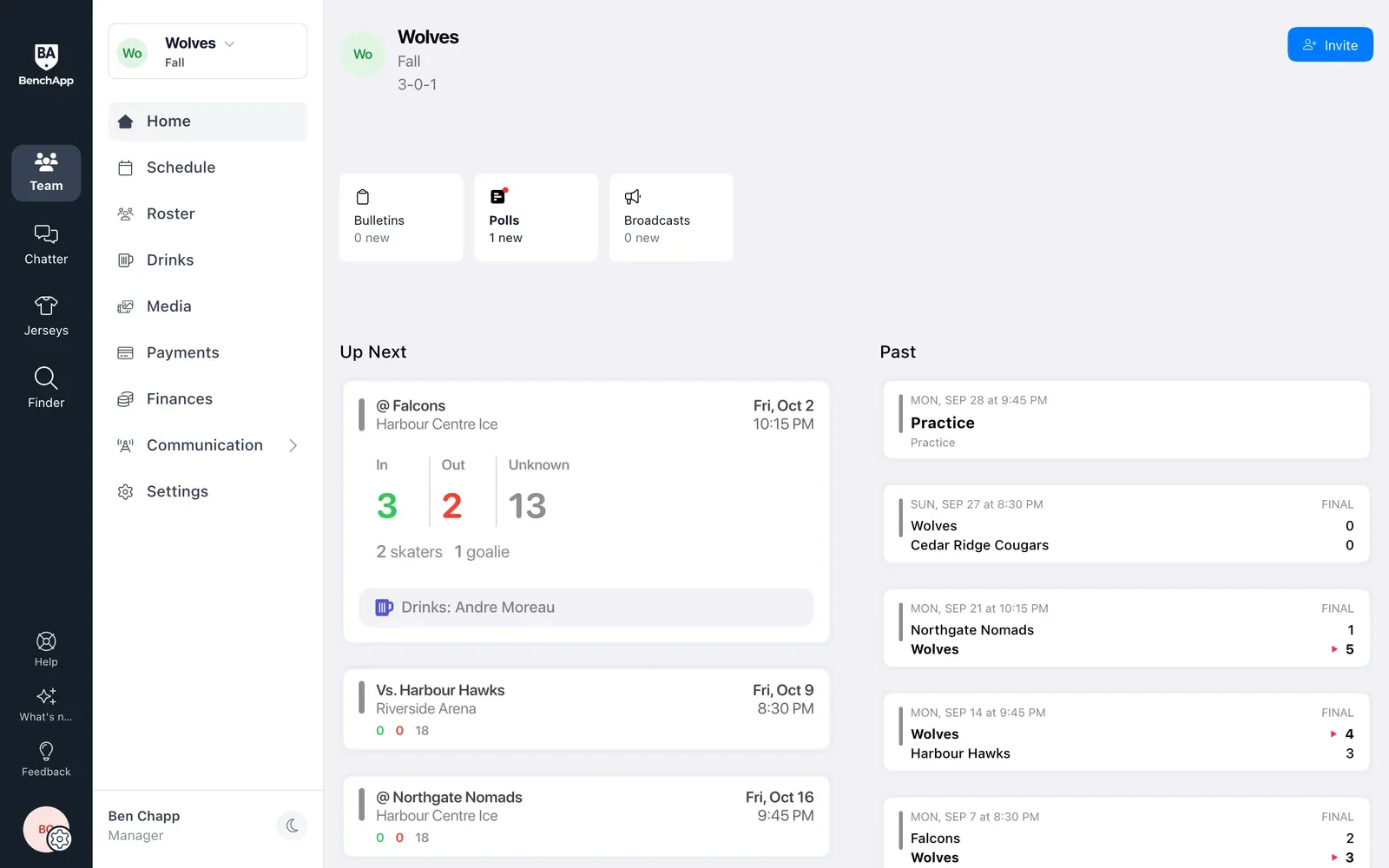
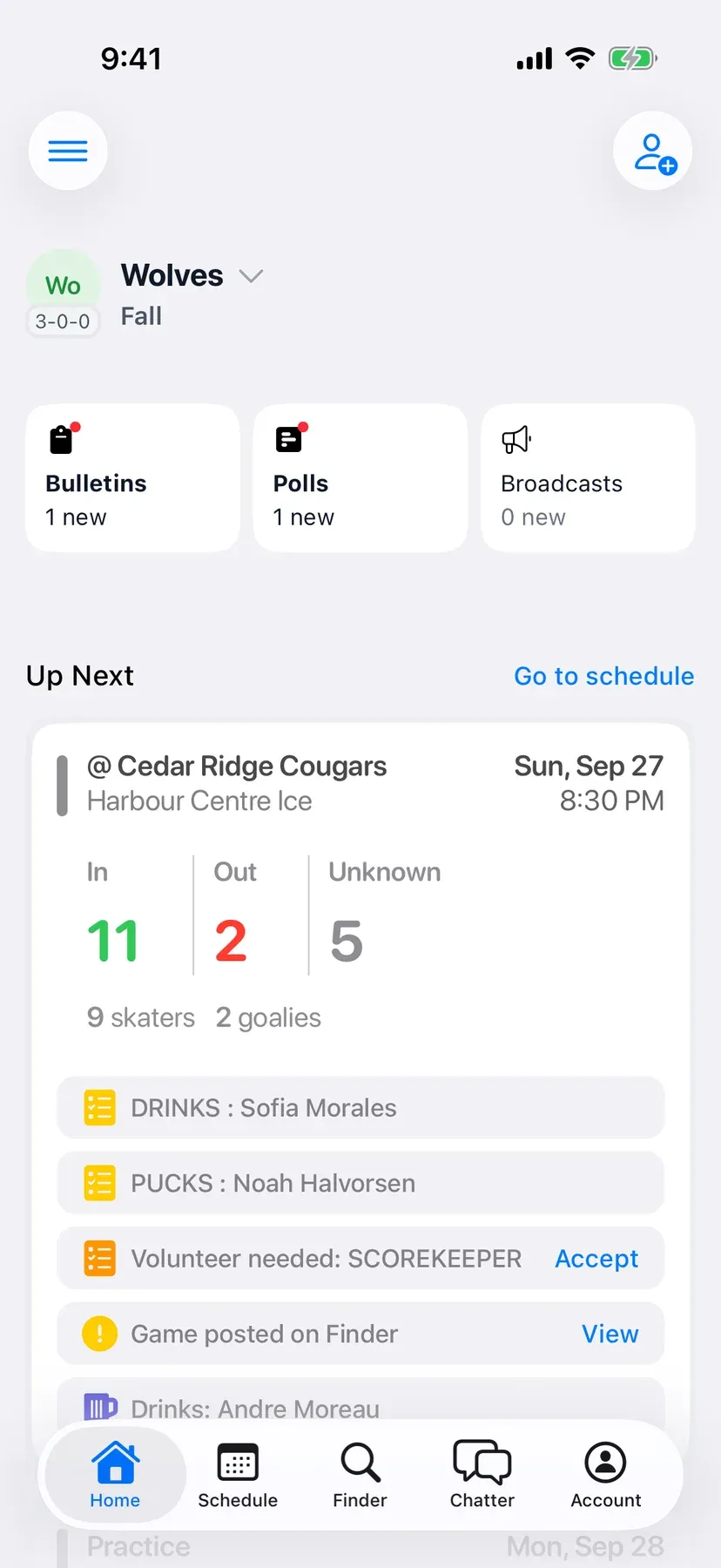
Post a bulletin and see exactly who has read it. Ask the team a question with a poll and watch the votes come in. And never argue about whose turn it is to bring the drinks again.
How it works
Step 1
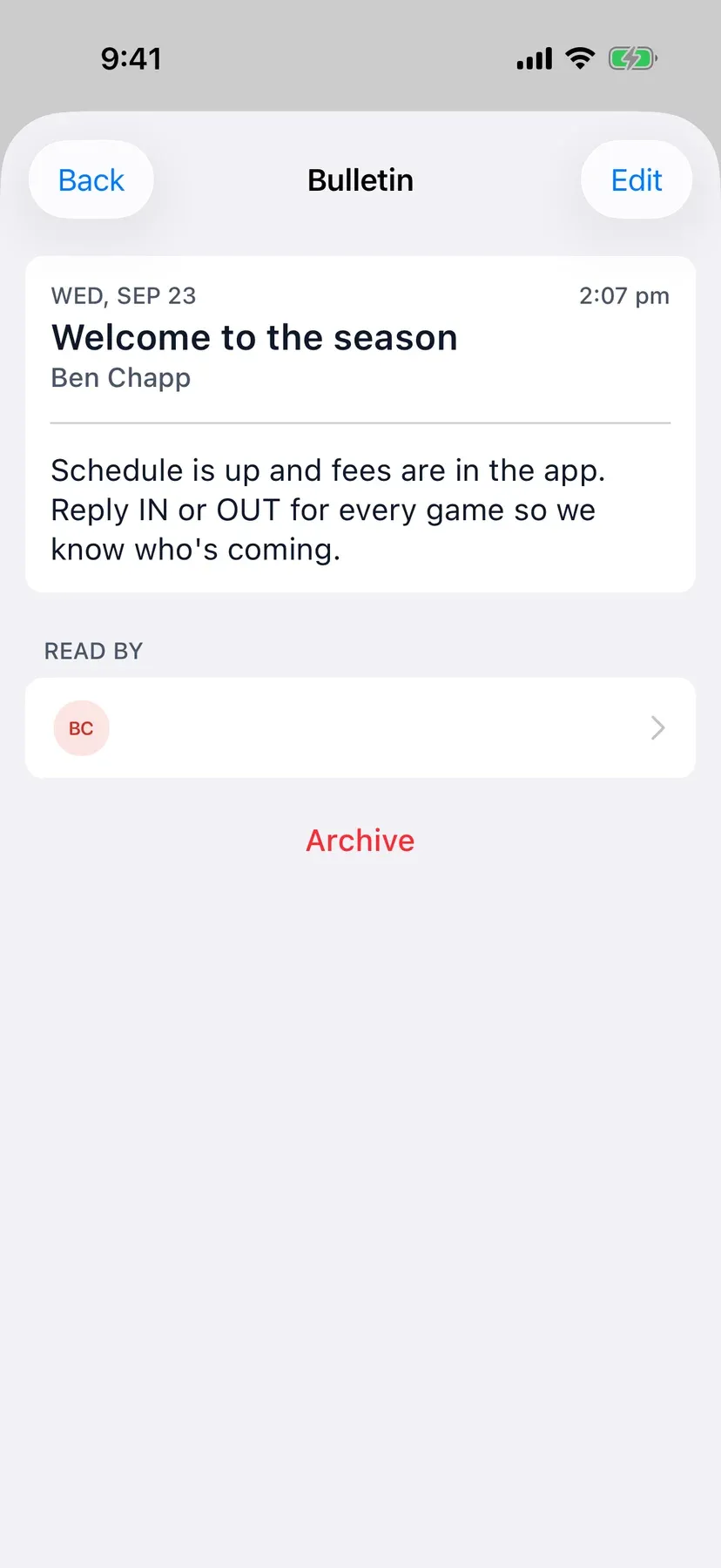
Write an announcement once and the whole team has it. Post it on its own or right in the team chat.
Step 2
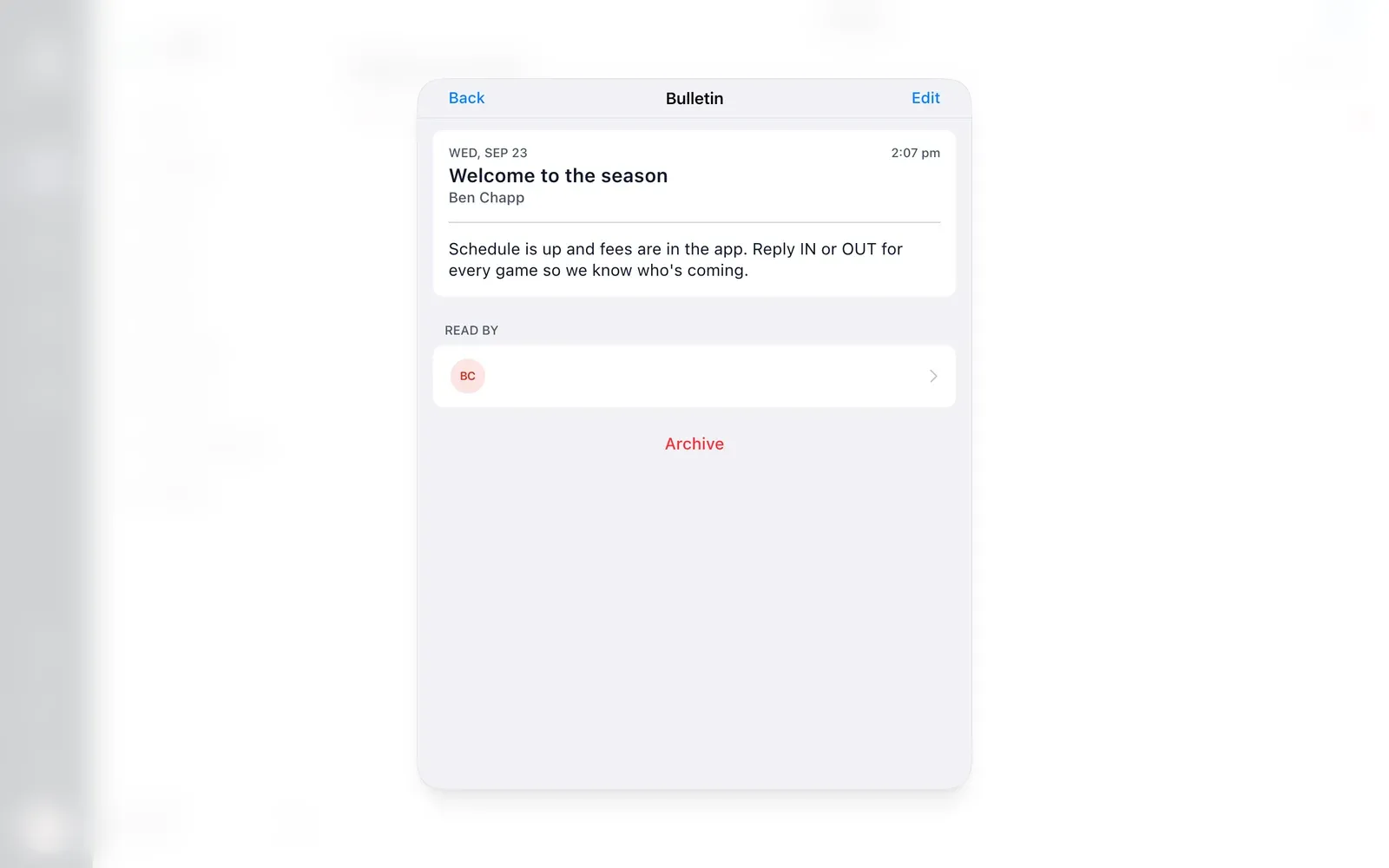
Every announcement shows who has read it and when, so you know who still needs a nudge.
Step 3
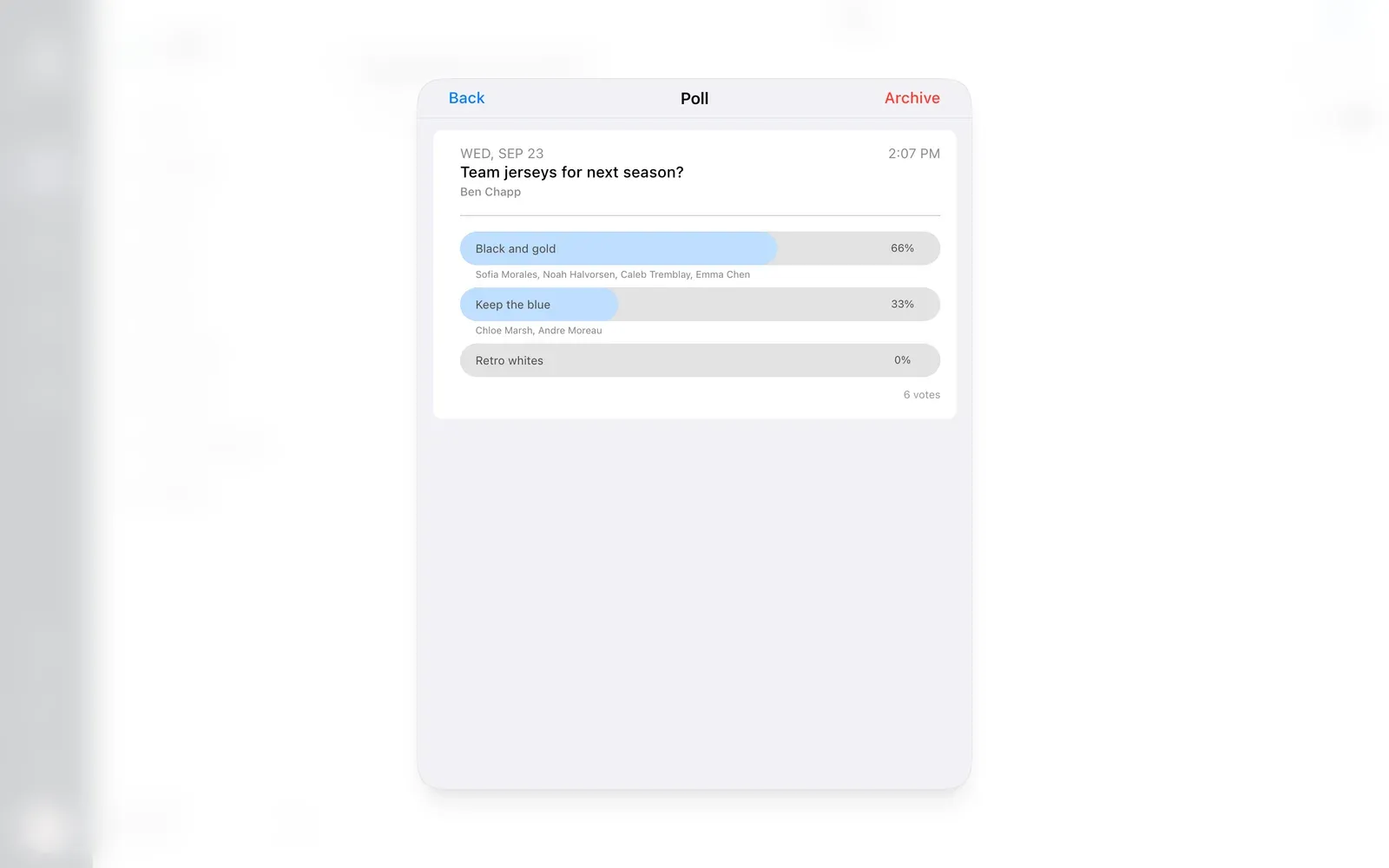
Write a question, add as many options as you need, and choose who can see it: everyone, just the roster, or the roster and spares. Pin it to the dashboard if it matters.
Step 4
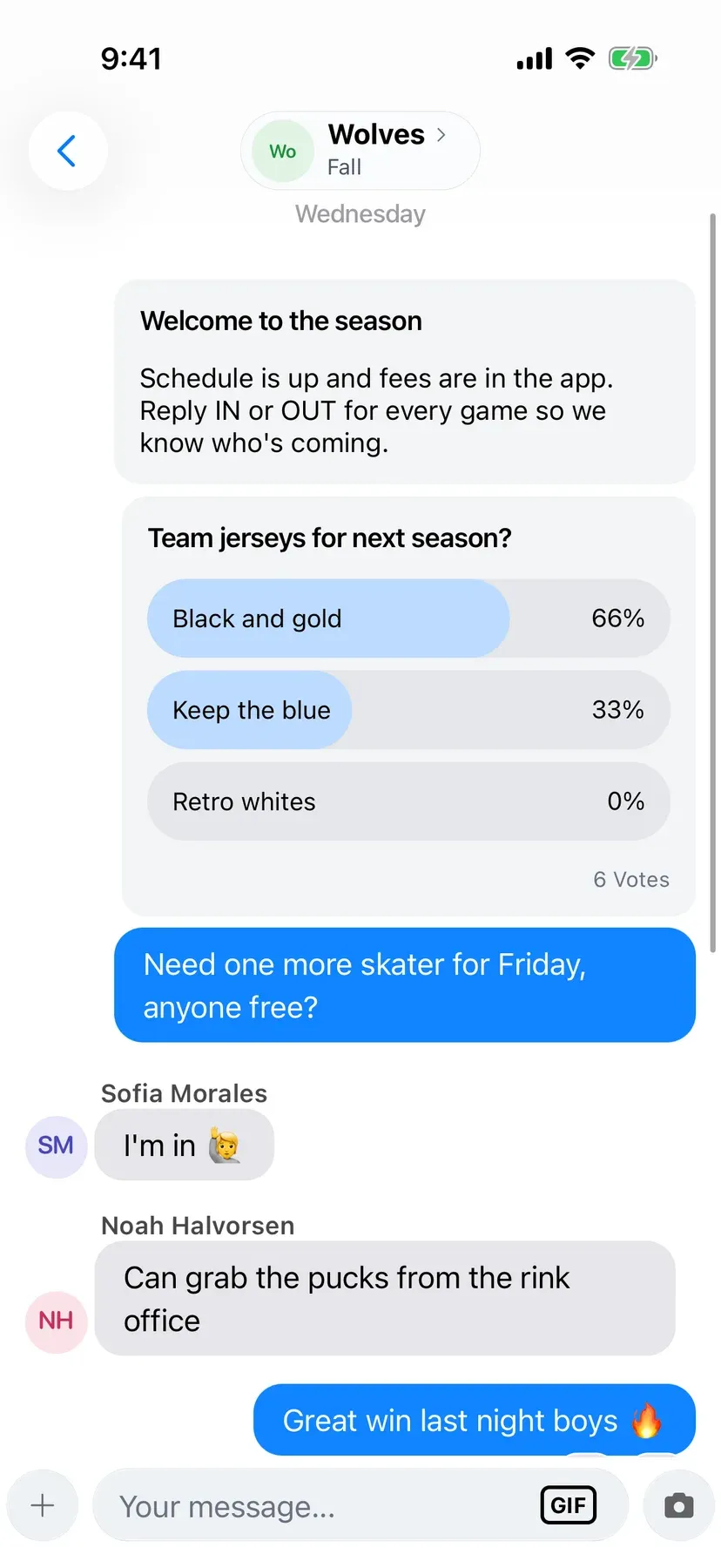
Players vote from the Polls screen or right from the poll in the team chat. Once they've voted, they see the results and who picked what.
Duties
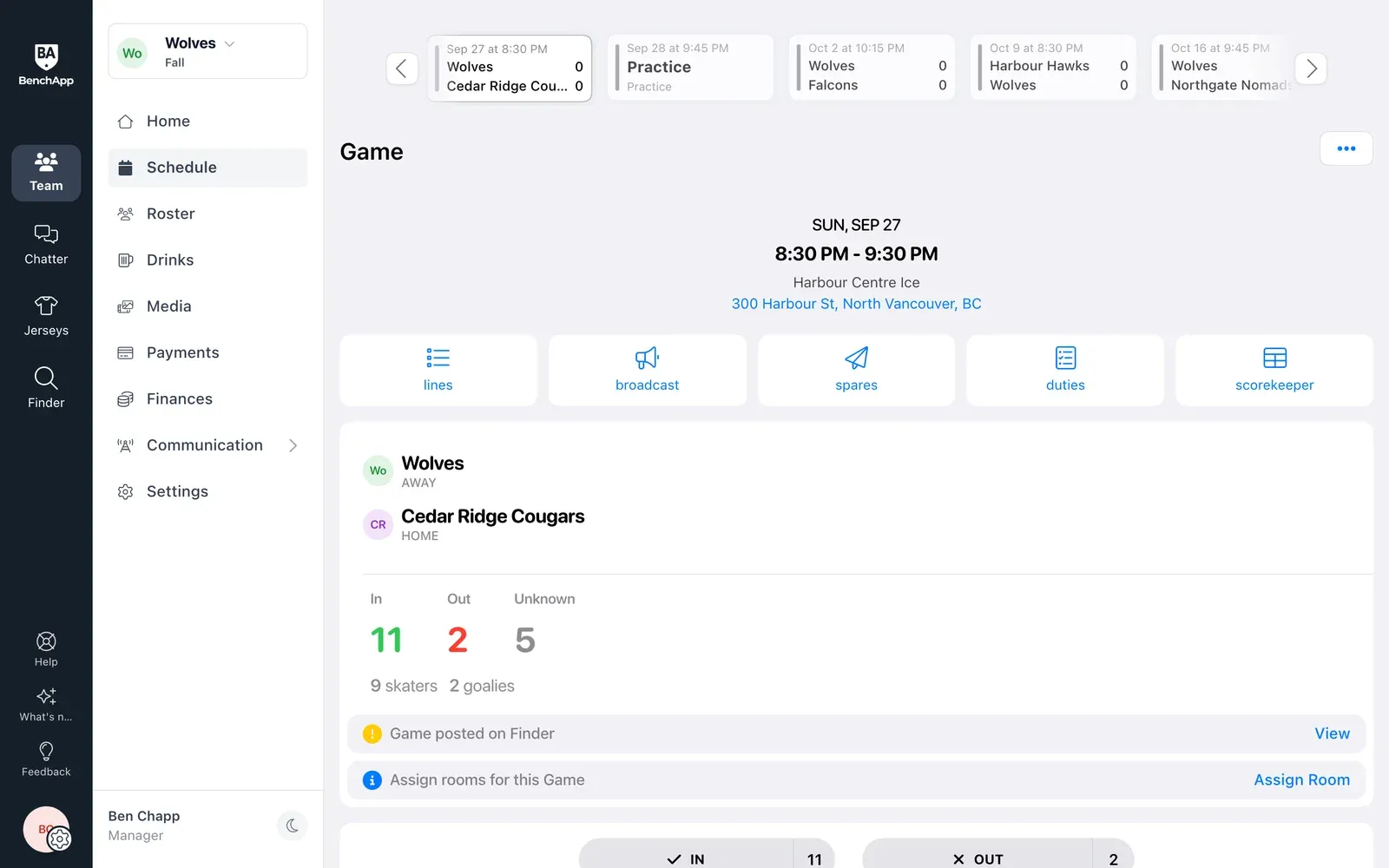
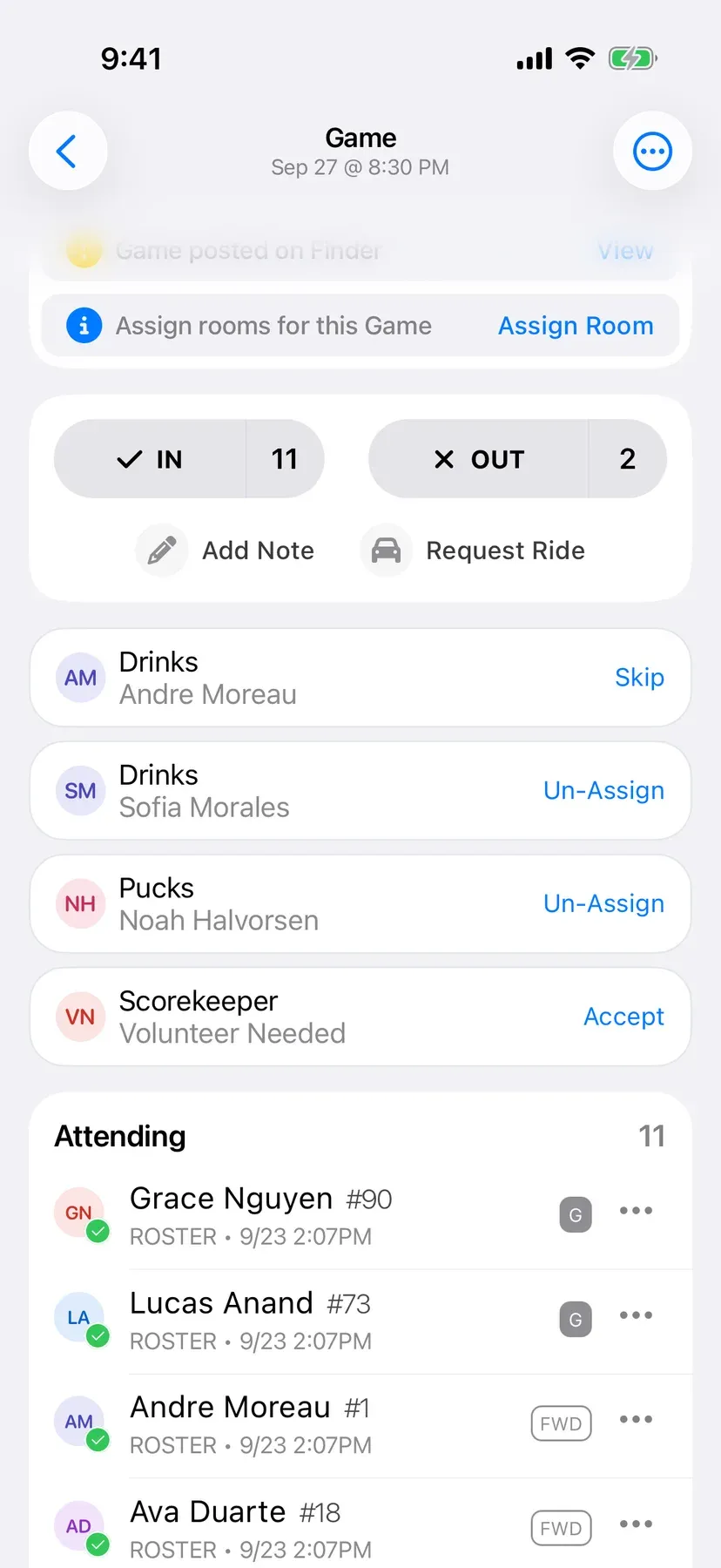
Assign duties to each game, like drinks, pucks, snacks, jerseys or the scorekeeper, or leave a duty open for someone to volunteer. Set it for one game or every game.
BenchApp PRO
Posting bulletins and polls is part of BenchApp PRO, and every team in a league on League PRO gets it too. Players never pay anything to read a bulletin or vote in a poll.
See PRO pricingFAQ
Posting bulletins and polls is part of BenchApp PRO and League PRO. Reading bulletins and voting in polls is always free for players.
Yes. Open the bulletin and tap Read by to see who has opened it and when.
Managers post bulletins and polls. Players read them and vote.
No. Once a player votes, they can see how many votes each option has and who voted for it.
No. Each player gets one vote per poll.
Yes. Show it to everyone, to your roster only, or to your roster and spares.
Yes. Choose Poll or Bulletin from the attach menu in your team chat, and players can vote right from the chat.
Yes. Add duties to a game for drinks, pucks, snacks, jerseys, the scorekeeper and more, or set up a drink rotation so everyone takes a turn.
Keep exploring
Create your team and post your first announcement in minutes.