Keep a list of the spares you trust and invite the right ones to any game in a few taps. Still short? Post the game on Finder and let nearby players ask to join.
Keep your regulars on the roster and your fill-ins on the spare list. Add spares one at a time with their email, phone and position, pull them from your phone's contacts, or import a list.
Keep your go-to fill-ins in one place
Know who to ask first
Bring your list from your phone's contacts
Step 2
Invite spares to a game
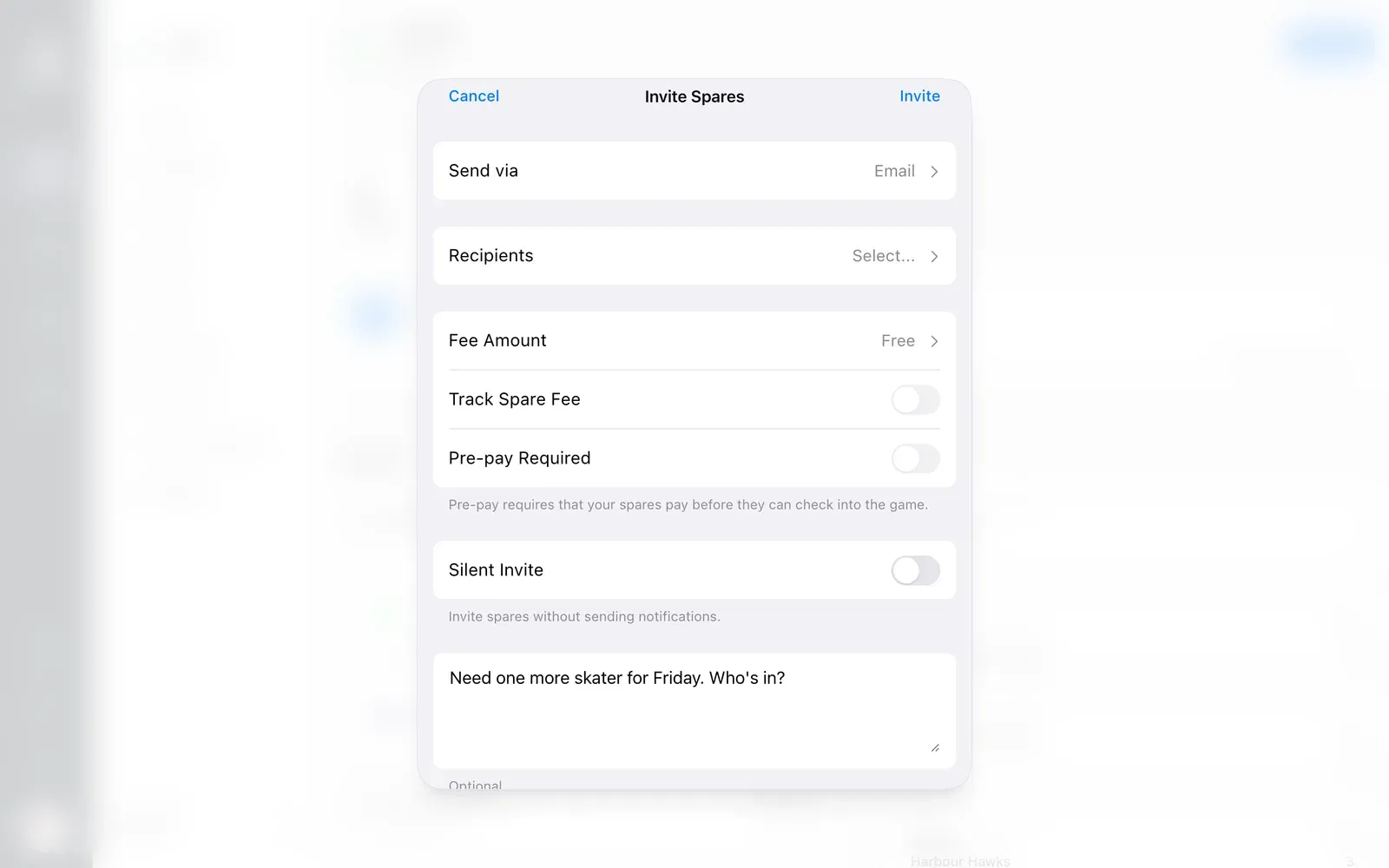
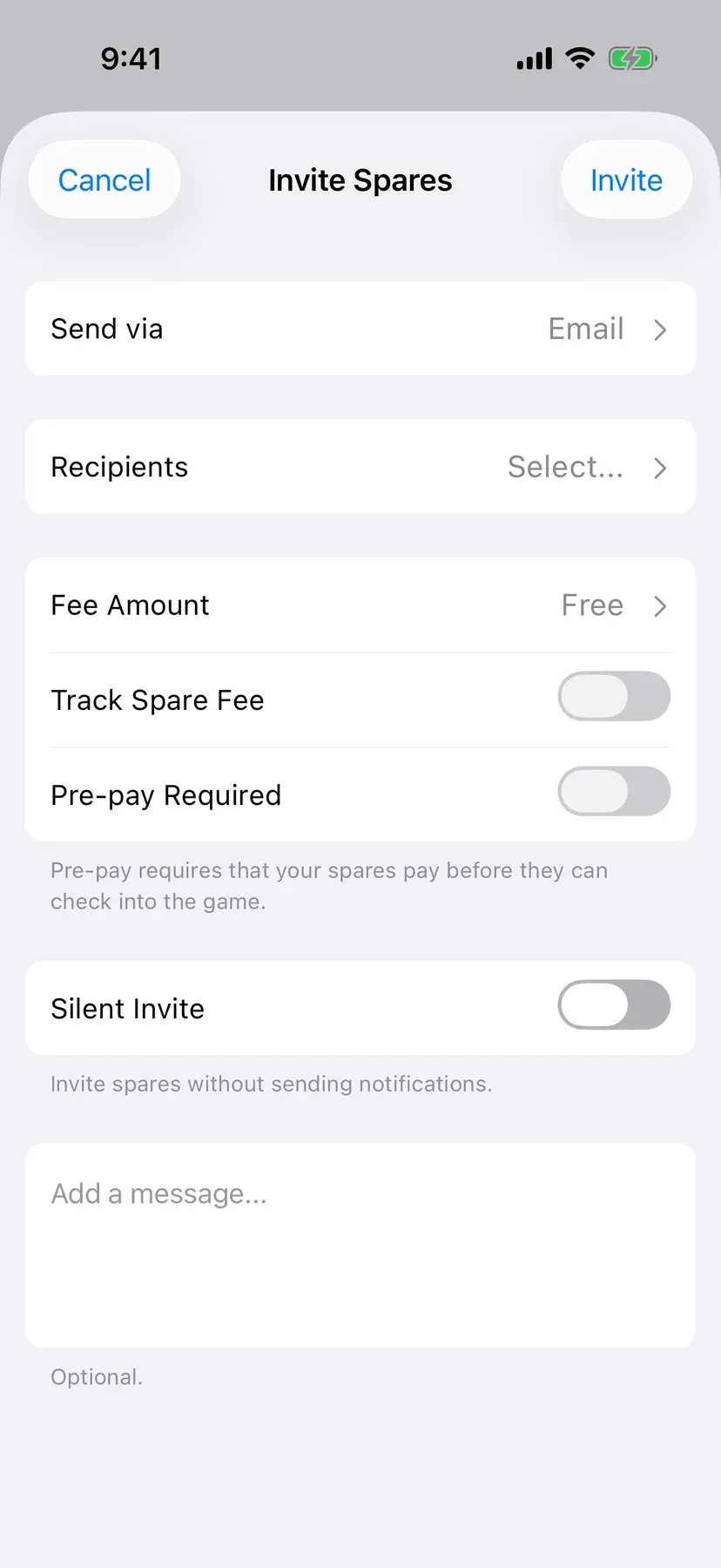
Pick who to ask from your spare list, like a goalie or a forward, add a quick note, and send it. They hear about it by email, notification or text.
Ask the right players for the spot you need
Add a quick note with the invite
Invite by text with PRO
BenchApp
Step 3
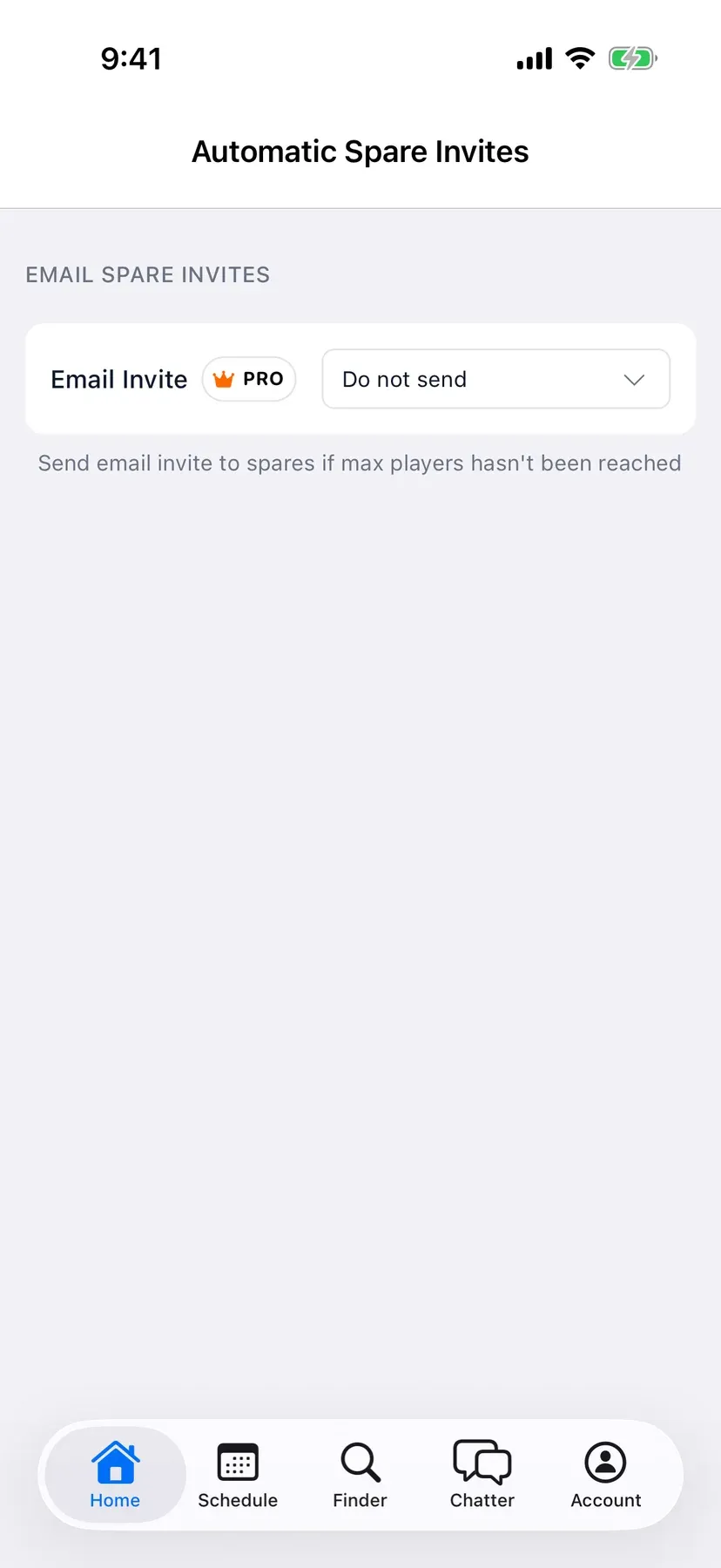
Let BenchApp invite them for you
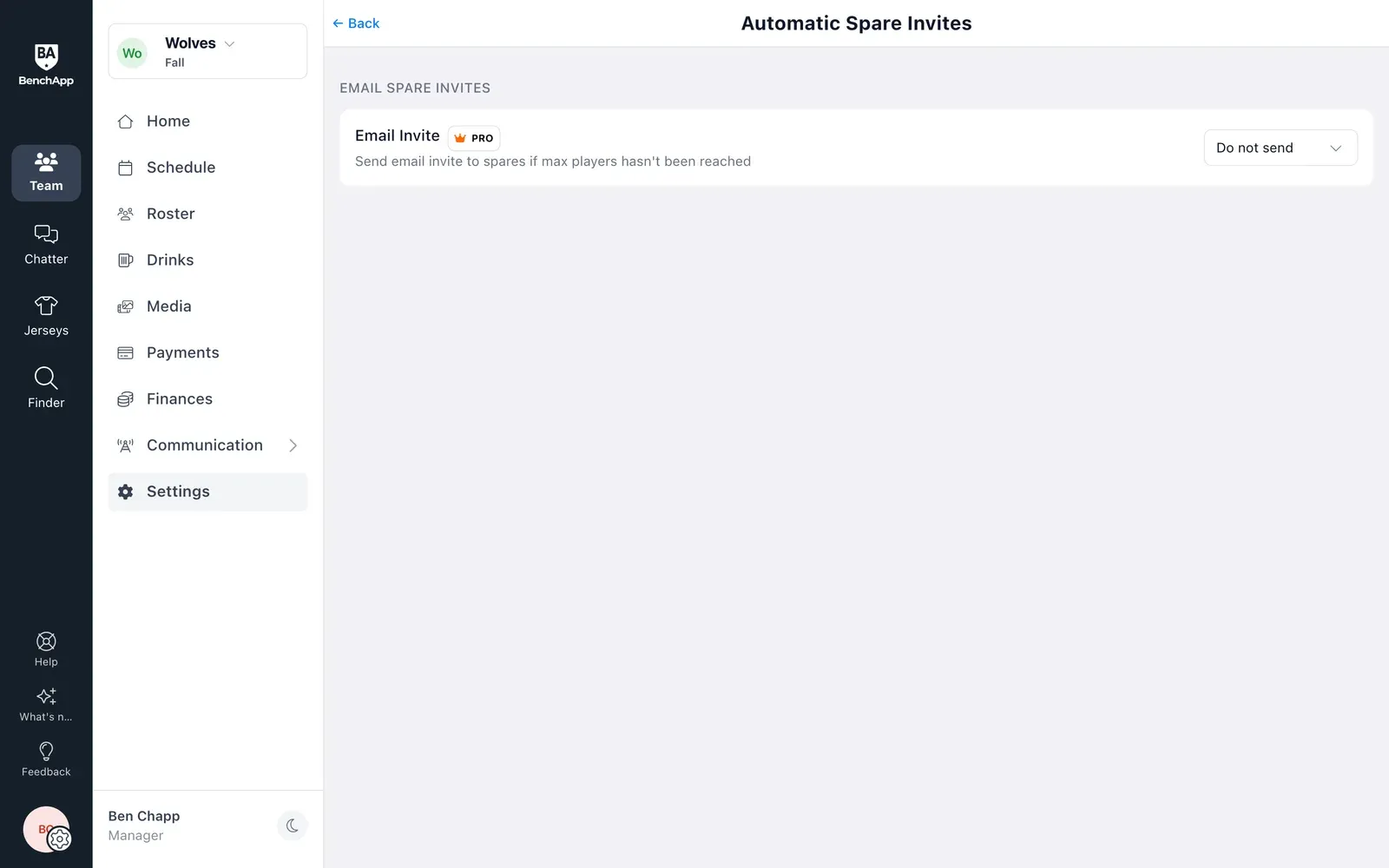
Tell BenchApp how far ahead to look. If a game isn't full by then, it emails your spares for you.
Spares get asked without you lifting a finger
Only goes out when the game isn't full
Part of BenchApp PRO
BenchApp
Step 4
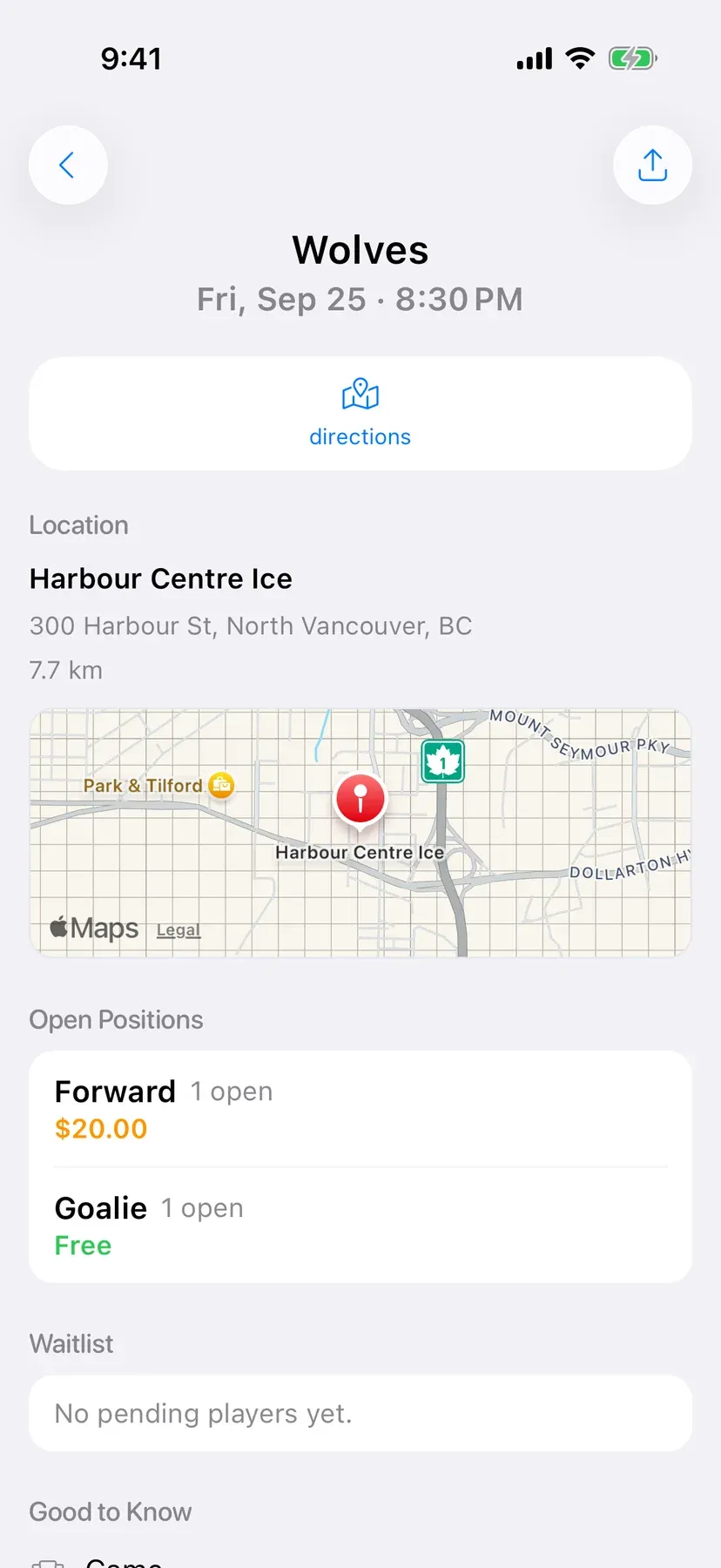
Still short? Post it on Finder
Post the game on Finder with the skill level and open positions, and nearby players can join the waitlist. You choose who gets the spot.
Reach players near you
Everyone's exact location stays private
You choose who gets the spot
Spare fees
Charge spares, and make sure they pay.
Set a spare fee for each invite, from free up to $100, or a default for the whole team. Turn on Pre-pay Required and spares pay by card before they can check in.
Require spares to pay before they play
Know who still owes with PRO
BenchApp PRO
Fill spots faster with PRO
BenchApp PRO adds text message spare invites, automatic spare invites for games that aren't full, and spare fee tracking, so you know who owes what without keeping a list.
Yes. Invite spares by email and push notification for free. Text message invites and automatic invites are part of BenchApp PRO.
Can BenchApp invite spares for me?
Yes, with PRO. BenchApp can email your spares 1 to 30 days before any game that hasn't reached its maximum players.
Can I charge spares a fee?
Yes. Set a fee from free up to $100 on each invite, or a default for your team. Turn on Pre-pay Required and spares pay by card before they can check in.
What's a silent invite?
It adds a spare to the game without sending them a notification, for when you've already arranged it.
What if none of my spares can make it?
Post the game on Finder. Nearby players who play your sport can join the waitlist, and you accept who you want.
Is my location shared on Finder?
No. Your exact location is never shared, and players can hide themselves from the map at any time.
How many spares can I invite at once?
There's a limit on how many spares one invite can go to. If you need more, contact BenchApp support.