
Schedule & calendar

Your whole season, on everyone's calendar.

Add games and practices, import the spreadsheet your league sent, or sync their calendar link. Players subscribe once in Apple or Google Calendar, and every change shows up on its own.

Scheduling is free

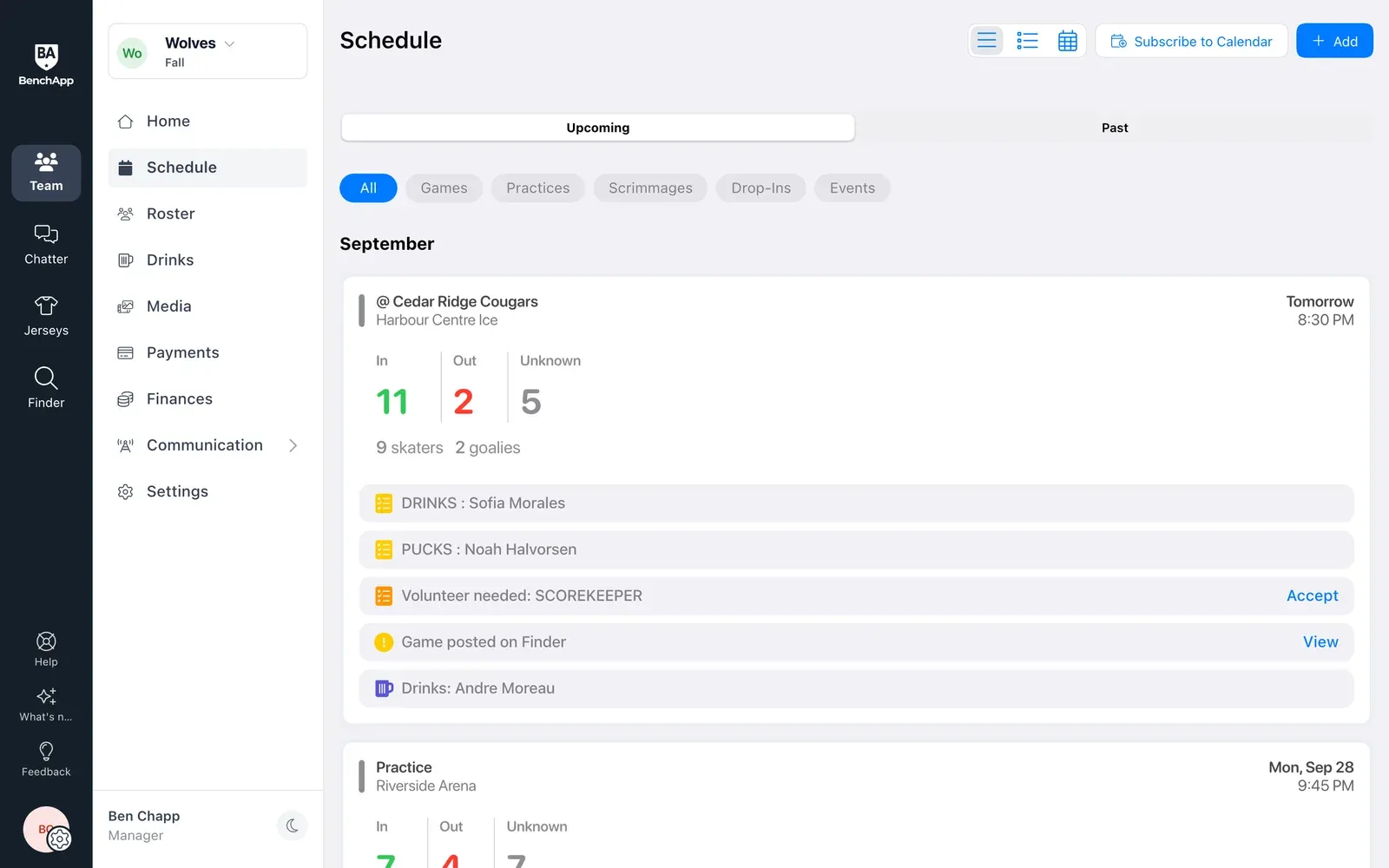
BenchApp on a computer: the team schedule with upcoming games and RSVP counts
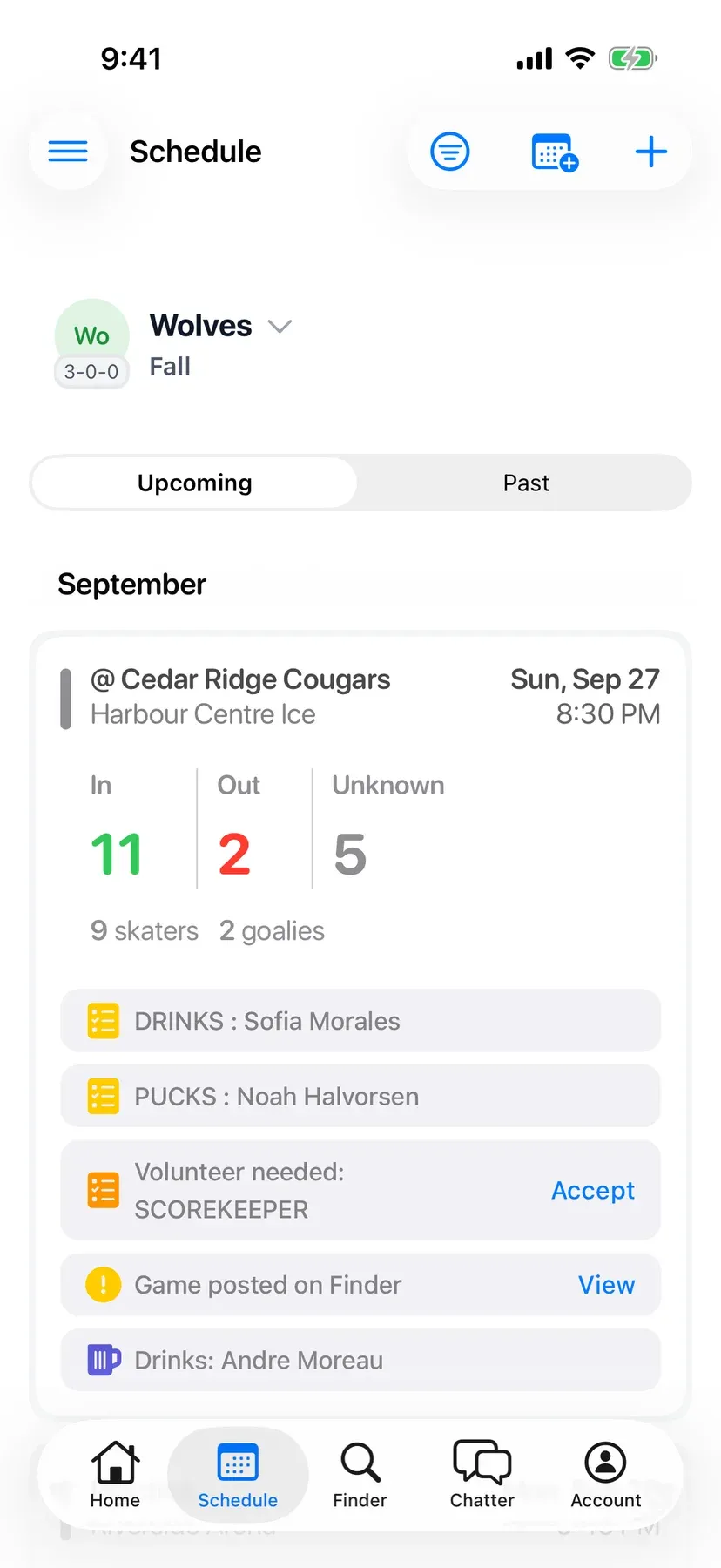
BenchApp on a phone: the next game with its rink and who's coming

How it works

From a blank season to everyone's calendar.

Step 1

Add your games and practices

Add one event or a whole batch at once. Set the opponent, home or away, date, time, length, location and notes, and choose whether to notify the team.

  • Games, practices and tournaments in one place
  • Add the whole season in minutes
  • Set up weekly practices once with PRO
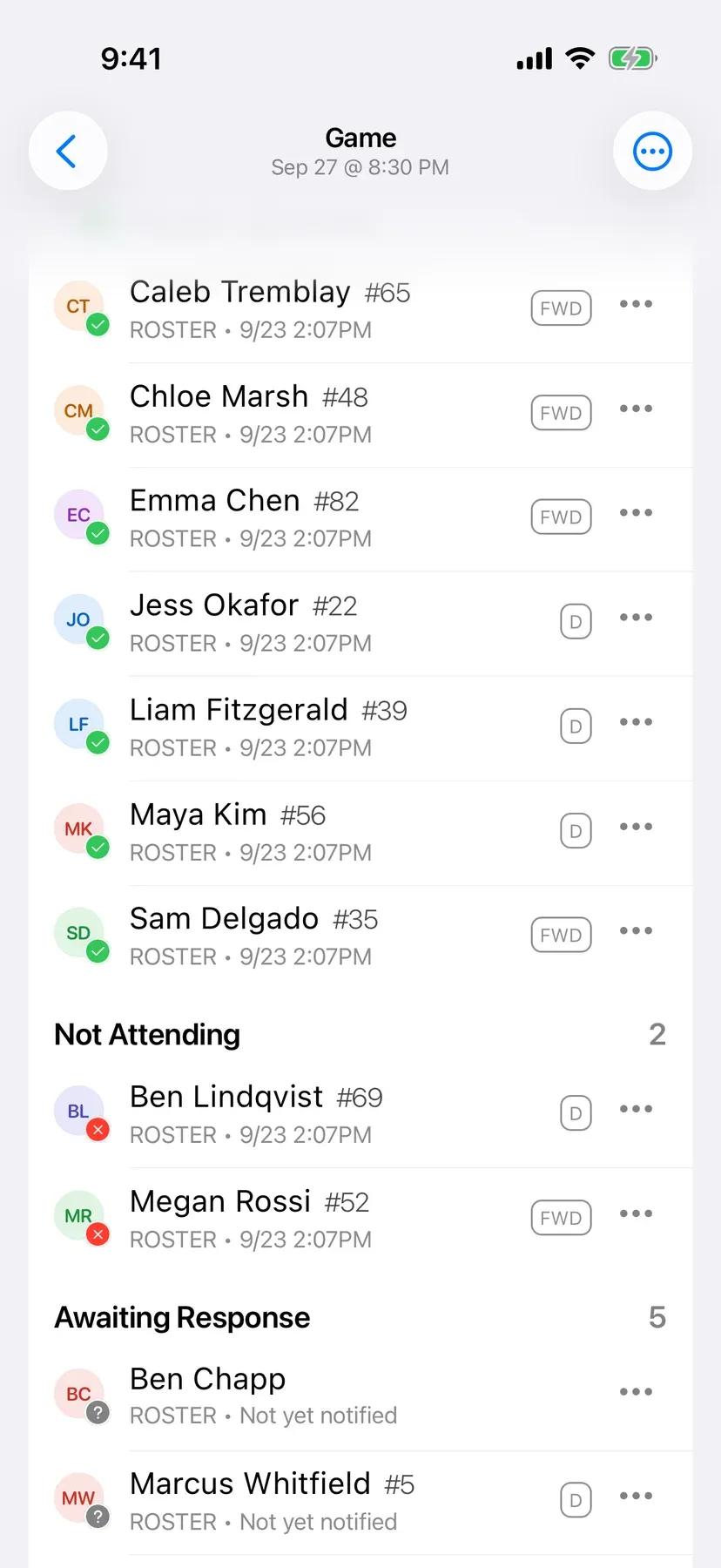
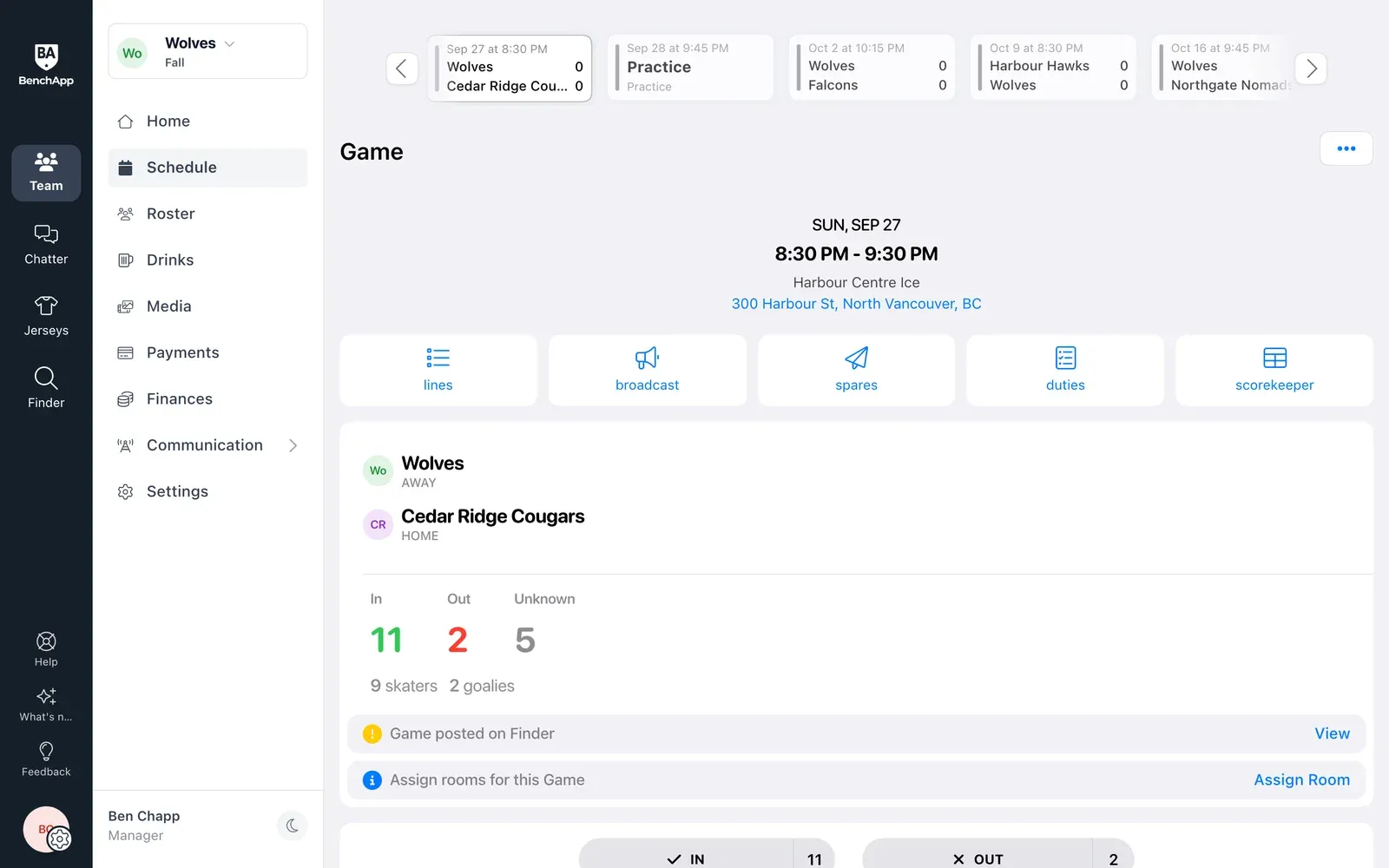
BenchApp on a computer: a game with its date, location and who's coming
BenchApp on a phone: a game with its date, rink and who's coming

Step 2

Or import the schedule you already have

Got the schedule as a spreadsheet? Upload it and BenchApp adds every game for you, checking for duplicates first. New opponents are added automatically.

  • Bring your schedule from Excel
  • No retyping game by game
  • Check it over before it goes live
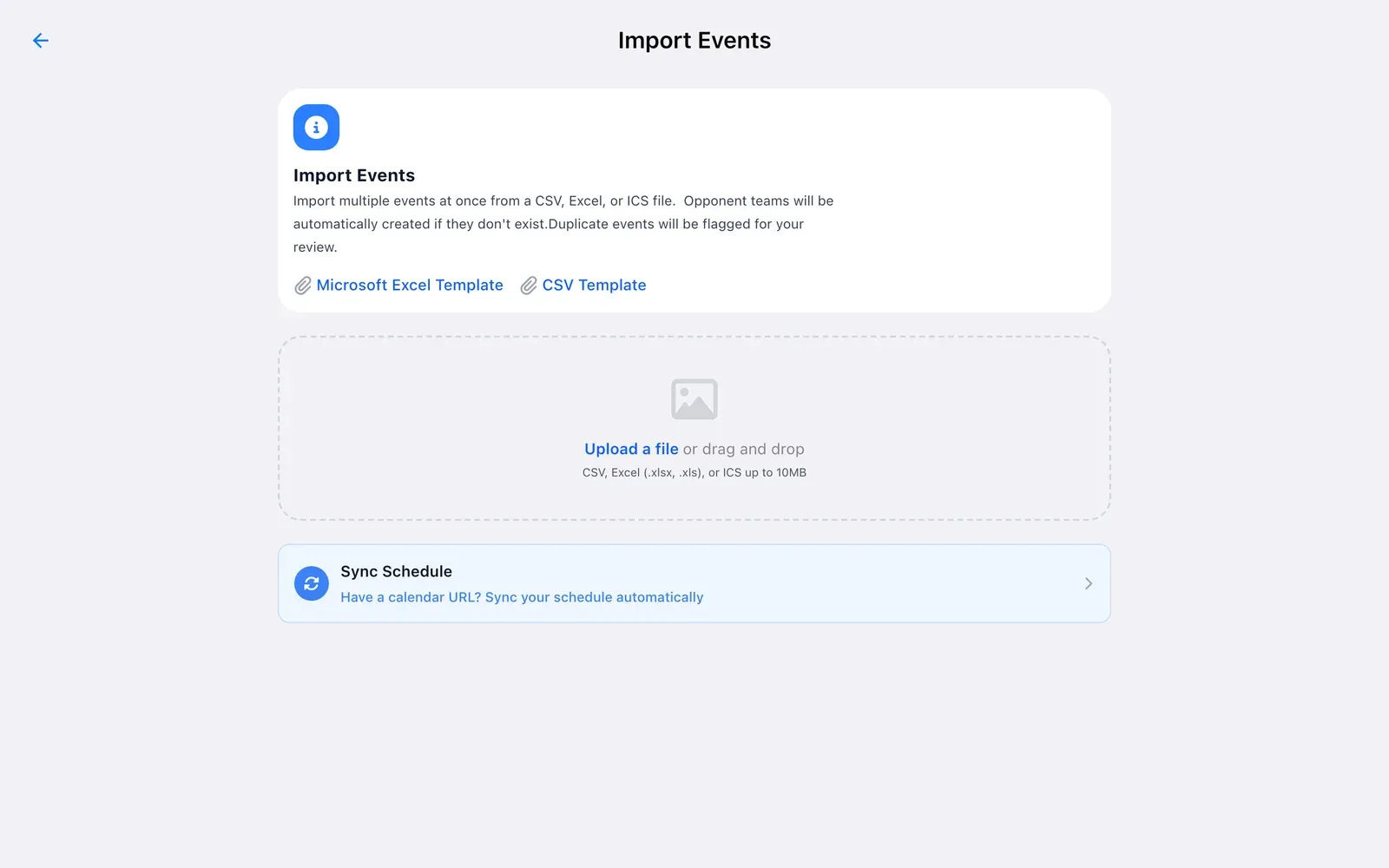
BenchApp on a computer: Import Events with Excel and CSV templates
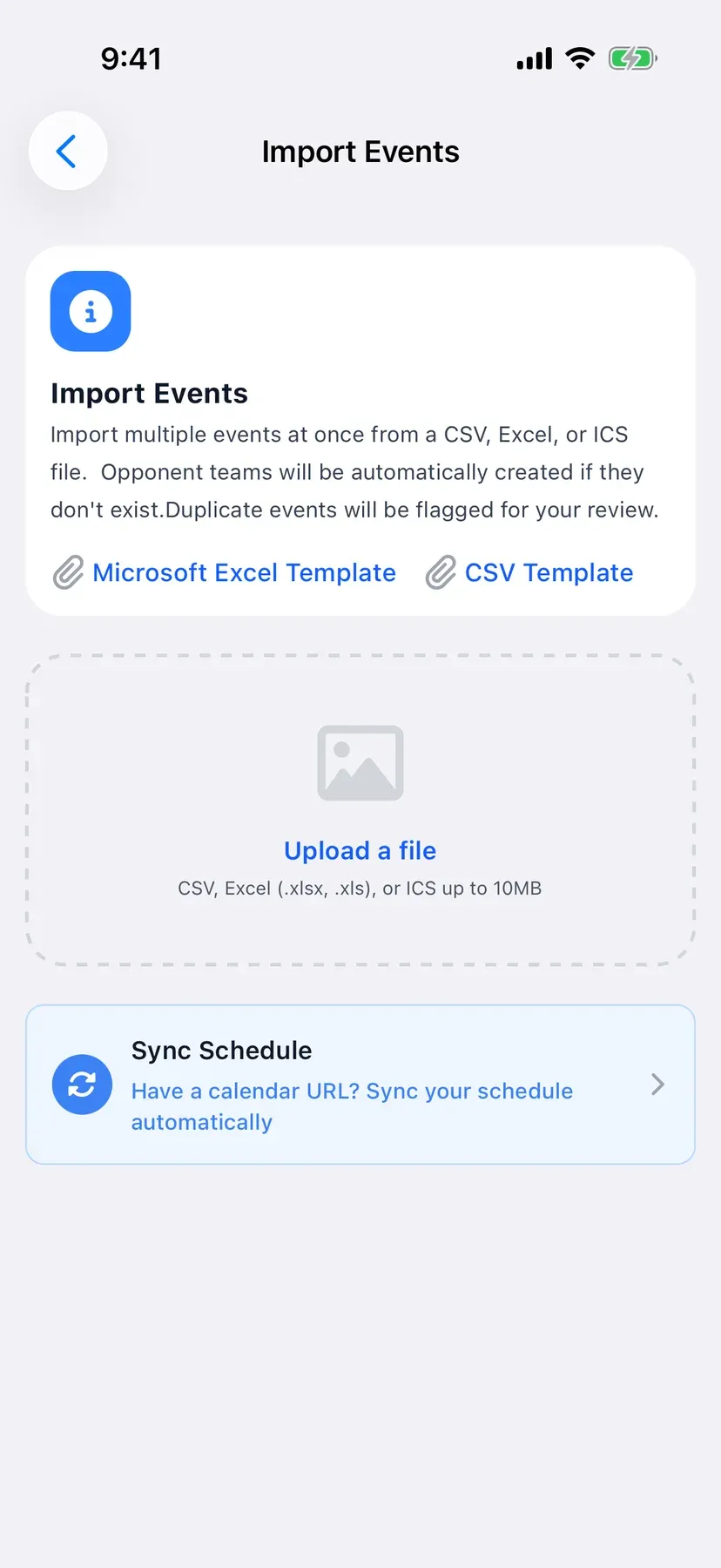
BenchApp on a phone: Import Events with Excel and CSV templates

Step 3

Keep in sync with your league

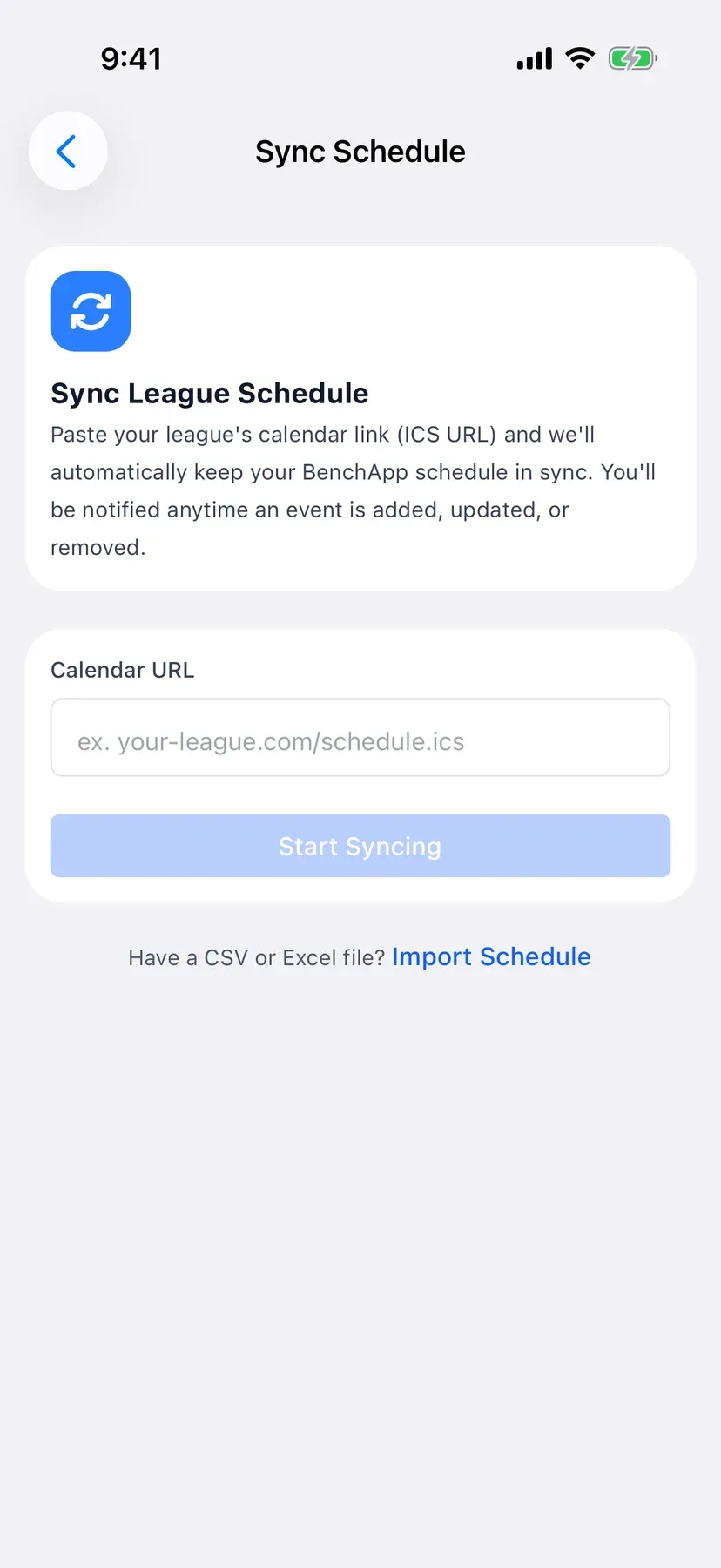
Paste your league's calendar link and BenchApp keeps your schedule up to date, telling you whenever a game is added, moved or removed.

  • Use the calendar link your league sends
  • Changes from the league show up for you
  • Stays in sync automatically with PRO
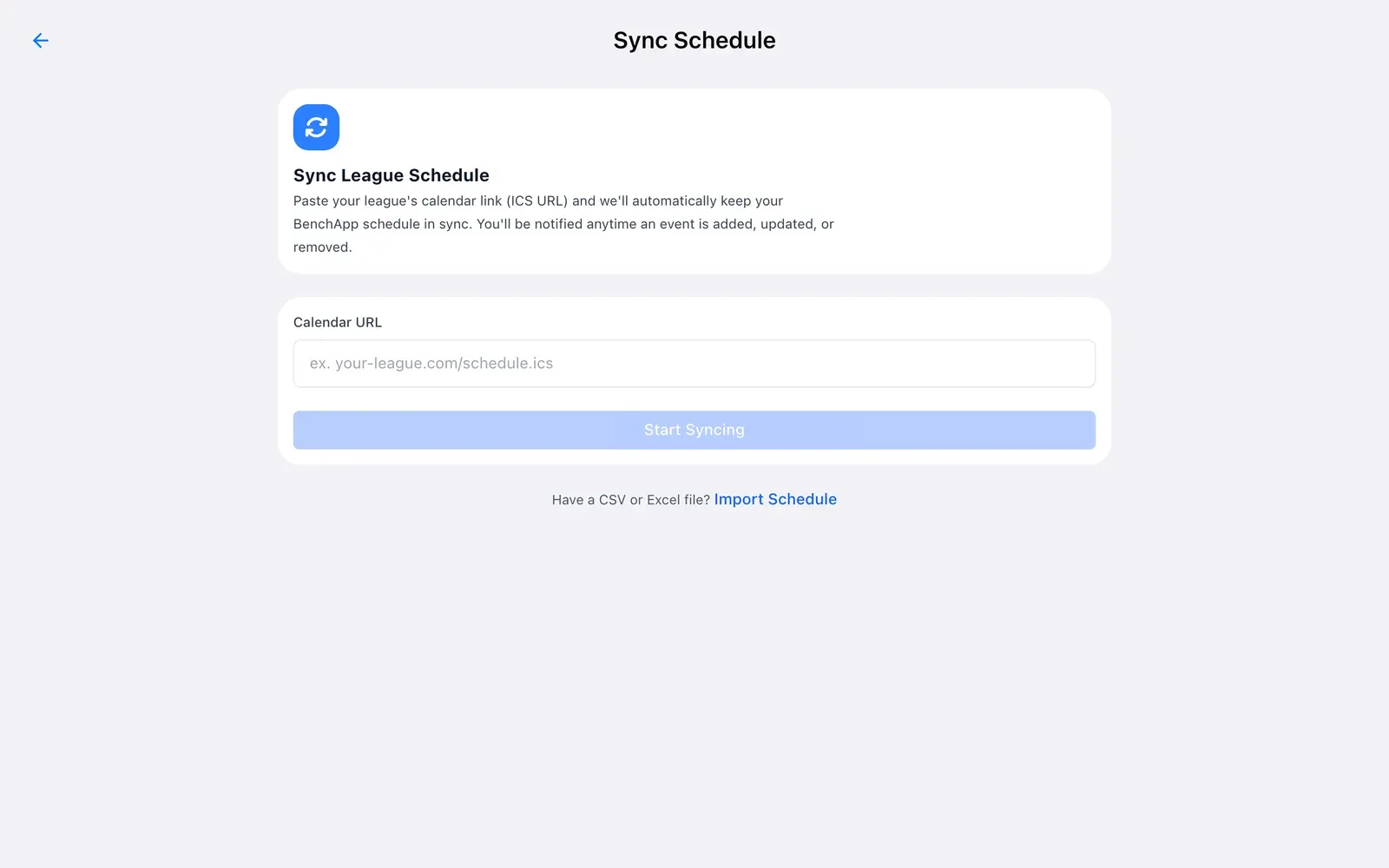
BenchApp on a computer: Sync League Schedule with a field for the league's calendar link
BenchApp on a phone: Sync League Schedule

Step 4

Everyone gets it on their calendar

Players add the team schedule to the calendar they already use, in one tap. When you move or cancel a game, their calendar updates on its own.

  • Let everyone know when a game is cancelled
  • Directions to the rink or field in one tap
  • Works with Google, Apple and Outlook calendars
BenchApp on a computer: the season schedule
BenchApp on a phone: the season schedule

BenchApp PRO

Less typing with PRO

BenchApp PRO keeps your schedule synced with your league's calendar automatically and lets you add repeating practices in one go. Cancel notices also go out by text message on PRO.

See PRO pricing

FAQ

Questions, answered.

Is scheduling free?

Yes. Adding games and practices, importing a spreadsheet and calendar subscriptions are free for every team.

Can I import my schedule from Excel?

Yes. Upload a CSV or Excel file (.xlsx or .xls), or an ICS file, up to 10MB. You can start from our Excel or CSV template.

Will it sync with my league's schedule?

Yes. Paste your league's iCal, ICS or Webcal link. You can preview it for free, and automatic ongoing sync is part of BenchApp PRO.

Does it work with Google Calendar?

Yes. Choose Google Calendar from Subscribe to Calendar. Google can take up to 24 hours to show a new subscription the first time.

What about Outlook or other calendar apps?

Copy the Webcal or ICS link from Subscribe to Calendar and add it in Outlook or any calendar app that supports calendar subscriptions.

What happens when a game is cancelled?

Choose Cancel & Notify, add a note, and the team is told by push notification and email, and by text message on PRO. The game stays on the schedule marked cancelled.

Can I add recurring practices?

Yes. With BenchApp PRO, repeat an event weekly, every two weeks or monthly.

Why do my game times look wrong?

Check your team's time zone in Team Settings under Team Details. Every time on the schedule uses it.

Keep exploring

See everything BenchApp can do

Get the season out of the spreadsheet.

Create your team and have your schedule on everyone's calendar tonight.

Create your FREE team